Click for more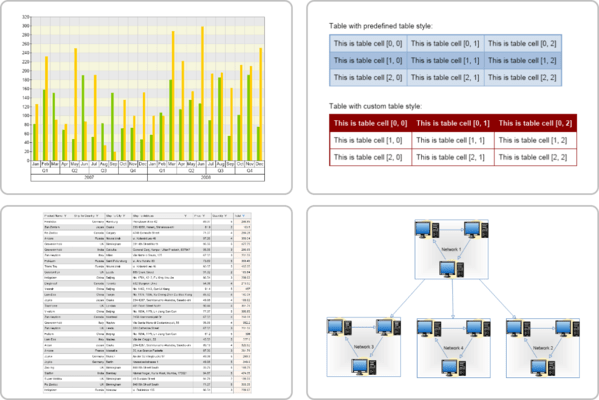
Click for more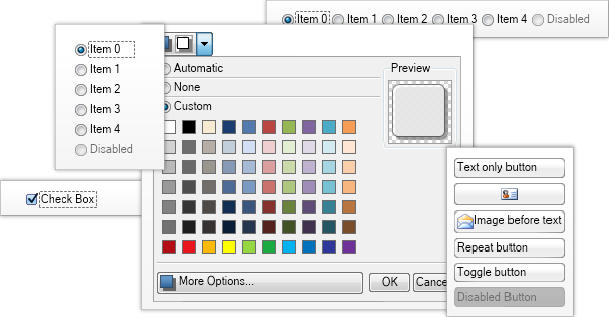
Buttons
Buttons are widgets, which are typically used to perform a certain action, when clicked. NOV features a complete set of buttons that can contain arbitrary content (i.e. other widgets).
Main types of buttons include: Standard buttons, Repeat buttons, Toggle buttons, Check boxes, Radio buttons, Split buttons plus others.
Click for more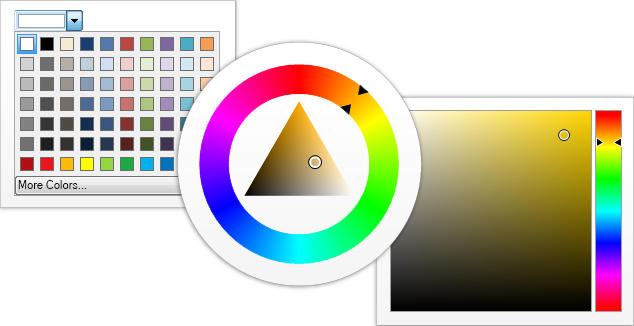
Color Pickers
Color pickers are widgets that allow the user to pick a color by modifying one or all of its color components through a visual interface. NOV includes Palette Color Picker, Luminance Color Bar, Hue Color Bar, Saturation-Brightness Color Box, HSB Box Color Picker, HSB Wheel Color Picker and Color Box.
Click for more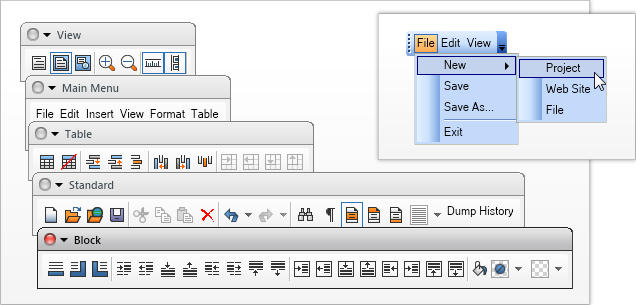
Command Bars
NOV implements advanced command bars that mimic the commanding logic of Microsoft Office 2003, Visual Studio etc. NOV command bars can contain any other widget, and have support for many advanced features. Specific sub types of commands bars include: Menu Bar, Tool Bar and Status Bar.
Click for more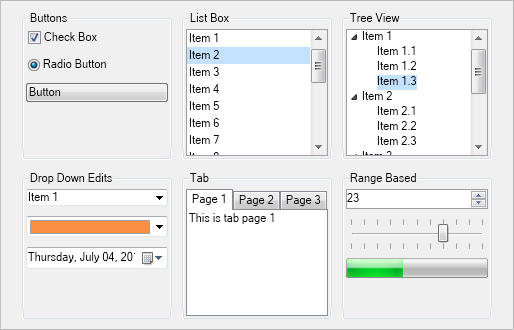
Containers
Container widgets are used to contain other widgets and provide different adorner features to their content.
Group Box, Pair Box, Uni Size Box, Splitter, Tab, Document Box, Scroll Content and many others.
Click for more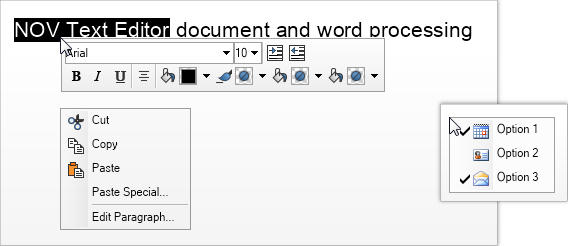
Context Popups
Context popups are Popup Windows opened that are opened in a context fashion. Context popups are used usually used for: Context Menus and Custom Context Popups.
Click for more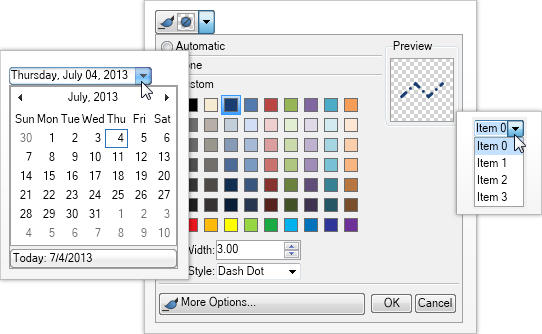
Drop Down Edits
Drop down edits consist of a specific editing area and a drop down button located at the right side. When the drop down button is clicked the drop down edit opens popup window, which assists the user with the editing. Notable drop-down edits are: Combo Box, Date Time Box, Color Box and Split Buttons.
Click for more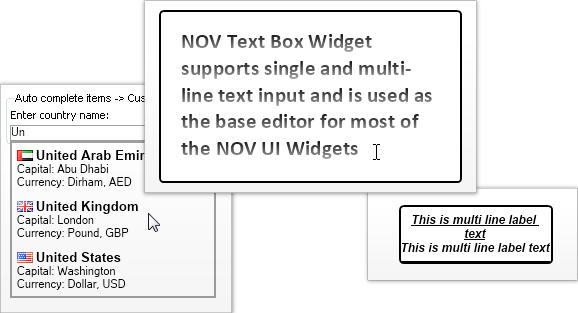
Text Visualization and Editing
The NOV Label and Text Box widgets allow for the visualization and editing of Unicode text. They are based on our proprietary managed Typography and as such are the only Label and Text Box in the .NET world that can guarantee you 100% identical text quality and speed in all environments. Label, Text Box, Auto Complete Text Box.
Click for more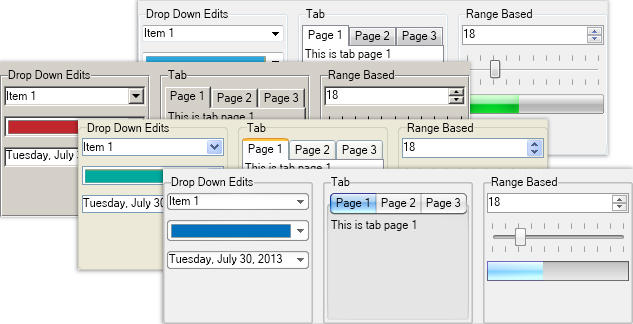
Themes
NOV widgets are styled with CSS. NOV initially comes with the following themes: Windows 7, Windows XP Blue, Windows Classic (with all color scheme variations) and Mac Lion.
Click for more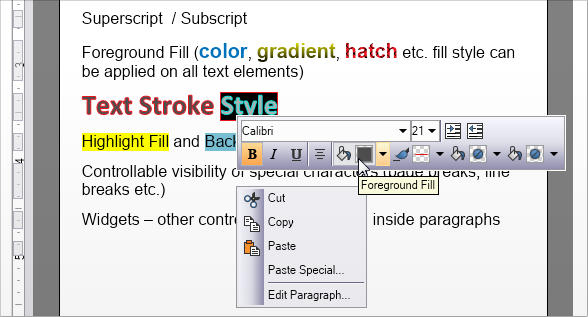
Character Formatting
Characters can be formatted using different settings for font, font size, character style - bold, italic, underlined, strike-through style and different colors for background, foreground etc.




