Click for more
Click for more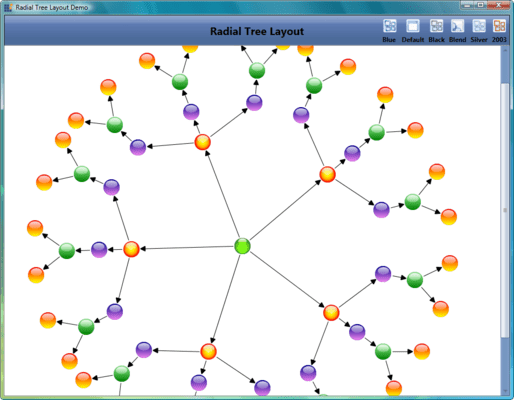
Radial Tree Layout
RadialTreeLayout implements an algorithm for laying out the nodes of a directed tree graph in a circular, balloon-like arrangement. It positions the root node at the center of the graph and locates the child nodes in a circular fashion around the root. Sub-trees formed by the branching of child nodes are located radially around the child nodes.
Click for more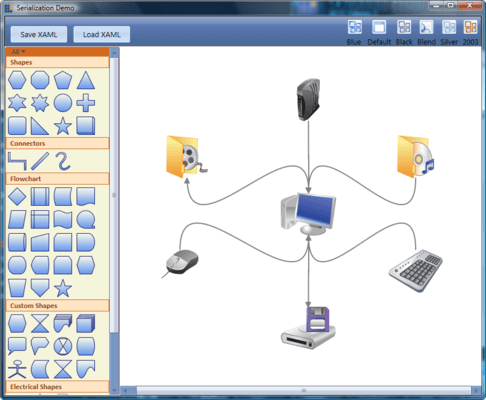
Serialization
This sample illustrates the Load and Save feature of Essential Diagram WPF. On saving the file as XAML, the diagram page is saved. On loading the desired XAML file, the corresponding page is loaded in the current view.
Click for more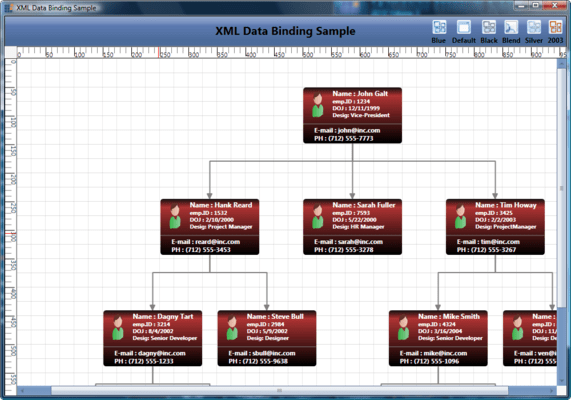
XML Data Binding
This sample illustrates the use of a XML data provider with a directed-tree layout. The Item Template property can be used to gain access to a XML data source using the Items Source property to generate a tree view of the XML data.
Click for more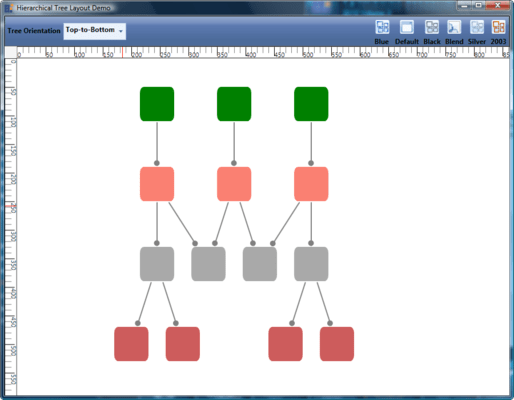
Hierarchical Tree Layout
This sample demonstrates the creation of a simple diagram control, the addition of nodes to the control, and the arrangement of nodes using a tree layout. The tree layout used is a hierarchical tree layout. It allows nodes to have multiple parents. If the user does not prefer this default layout setting, he or she can place the nodes inside a diagram control by using "OffsetX" and "OffsetY" for the x and y coordinates.
Click for more
Loading
Programmatic loading of symbols in the diagram control and illustrates how the Symbol Palette can be customized.




