








Official Supplier
As official and authorized distributors, we supply you with legitimate licenses directly from 200+ software publishers.
See all our Brands.
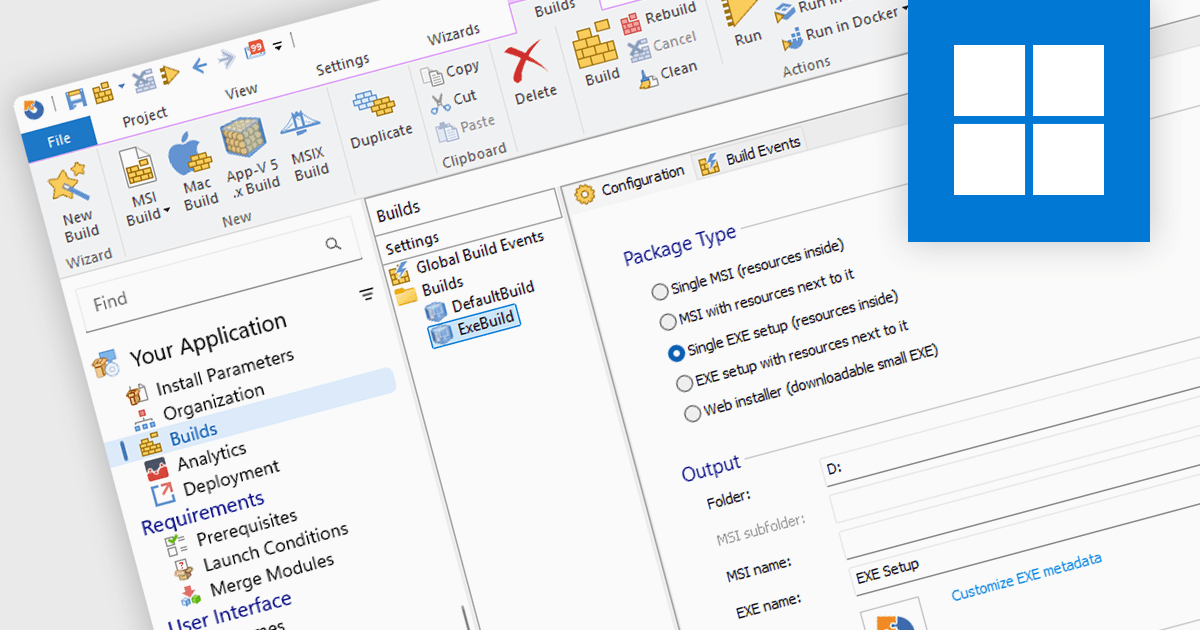
Installation tools are professional software solutions used to create, configure, and deliver application setup packages in a controlled and repeatable manner. They extend far beyond simply copying files, managing dependencies, system configuration changes, environment variables, registry updates, and prerequisite validation to ensure applications function correctly after deployment.
Used by independent software vendors distributing commercial products as well as enterprise IT teams preparing internal applications, these tools provide a structured framework for building installers that align with operating system standards and organizational policies. By formalizing the installation process, they reduce deployment errors, support versioning strategies, and maintain consistency across development, testing, and production environments.
Modern installer authoring tools typically offer graphical environments for building Windows-based formats such as MSI, EXE, and increasingly MSIX. Common capabilities include customizing installer processes and user interfaces, managing prerequisites and bundled components, digitally signing packages, and validating installations prior to release. Many solutions also support application repackaging, compatibility testing, virtualization formats, and integration with development pipelines or endpoint management systems — reflecting the needs of both software publishers and enterprise administrators.
Several installation tools offer these features including:
For an in-depth analysis of features and price, visit our comparison of Installation Tools.
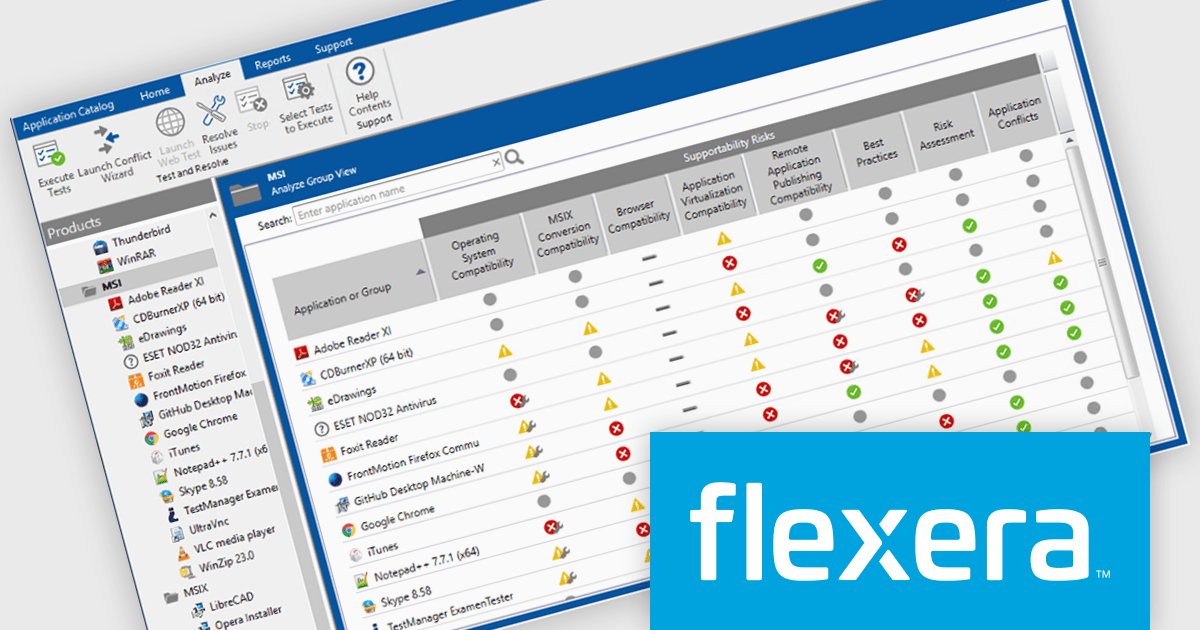
AdminStudio is a complete application readiness solution that helps you identify and mitigate issues before deploying. You can use AdminStudio tools to repackage applications and convert packages to virtual formats. Then, after importing all of your of physical, virtual, and mobile applications into the Application Manager, you can thoroughly test them to ensure that they are ready for deployment across your enterprise.
Flexera has produced a webinar demonstrating how you can leverage AdminStudio's powerful packaging and testing capabilities to accelerate the creation and deployment of App Volumes. Included in this webinar is an expert roundtable to demonstrate real-world workflows, best practices, and strategic approaches to streamline your application lifecycle management in Omnissa Workspace ONE environments, including:
View this informative webinar now!
AdminStudio is licensed per user and is available as a 3 Year Timed Subscription. See our AdminStudio Professional or AdminStudio Enterprise licensing pages for full details.
For more information, visit our product pages:
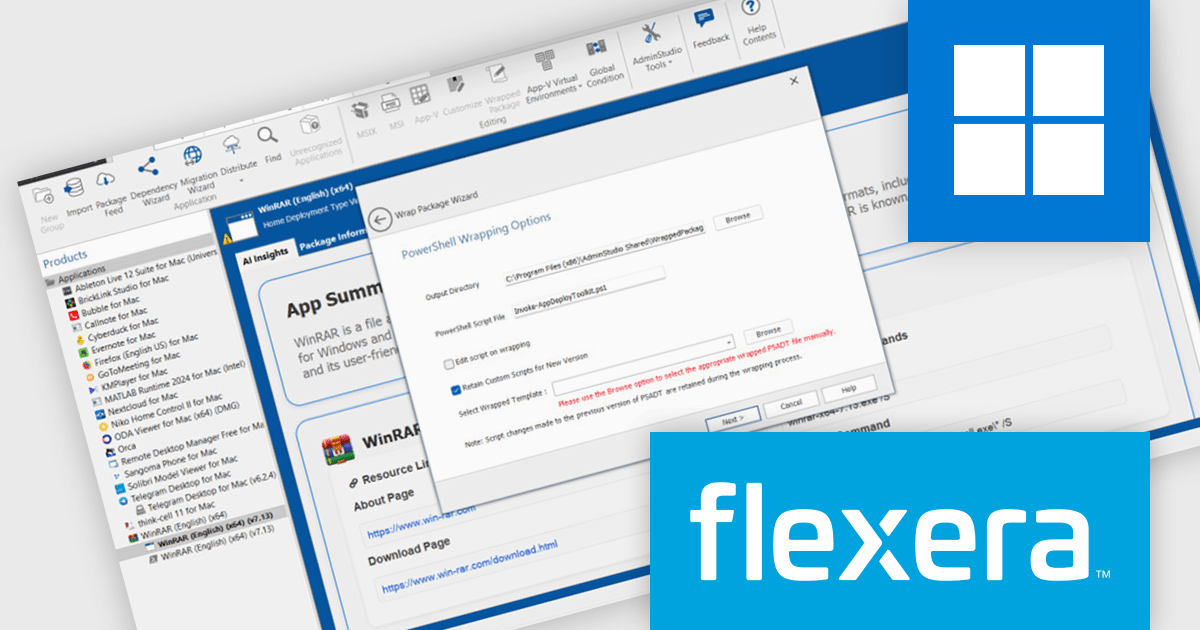
AdminStudio, by Flexera, empowers IT teams to seamlessly and securely package and deploy applications across various platforms. This comprehensive suite automates key processes, from building new packages to testing compatibility and mitigating risks, ensuring efficient and reliable software distribution within your organization. Whether managing physical or virtual applications, AdminStudio simplifies the entire journey, from initial packaging to endpoint delivery, ultimately driving greater efficiency and minimizing deployment risks.
The AdminStudio 2025 R3 release introduces AI-powered enhancements designed to optimize the application packaging process. The 'App Insights' tab brings contextual summaries and actionable recommendations directly into the interface, helping teams assess packaging outcomes more effectively. These tools aim to reduce repetitive tasks, enhance decision-making, and increase confidence in deployment readiness.
To see a full list of what's new in version 2025 R3, see our release notes.
AdminStudio is licensed per user and is available as a 3 Year Timed Subscription. See our AdminStudio Professional or AdminStudio Enterprise licensing pages for full details.
For more information, visit our product pages:
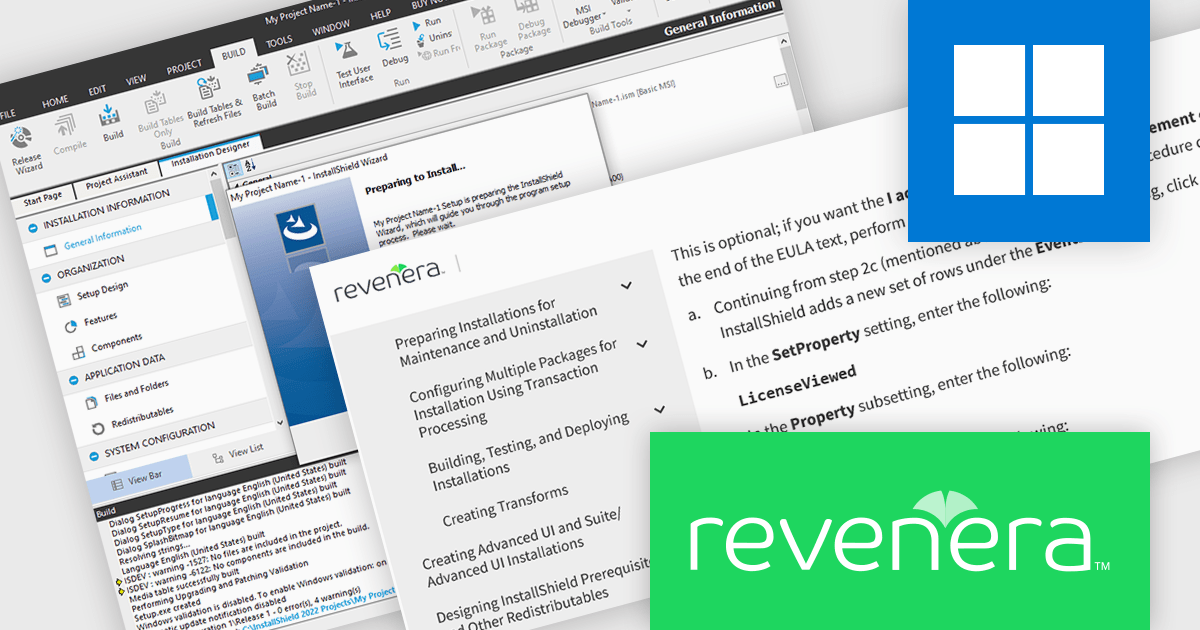
InstallShield by Revenera is a leading Windows installation development solution that specializes in building installers and managing software packages. InstallShield offers a streamlined interface and comprehensive features, enabling developers to efficiently create professional installers, configure prerequisites, manage updates, and customize the installation experience for diverse user needs.
The InstallShield 2025 R2 release adds a time-saving feature for managing end-user license agreements (EULAs). The License Agreement dialog can now automatically select the "I accept the terms in the license agreement" checkbox when users scroll to the bottom of the EULA. This feature simplifies the installation process, especially for non-technical users, by minimizing the number of clicks required while being legally compliant. Developers can utilize this functionality to create user-friendly installation experiences.
To see a full list of what's new in version 2025 R2, see our release notes.
InstallShield is licensed per user and is available as a 3 Year Timed Subscription. See our InstallShield Professional licensing page or InstallShield Premier licensing page for full details.
For more information, visit our InstallShield Professional or InstallShield Premier product pages.
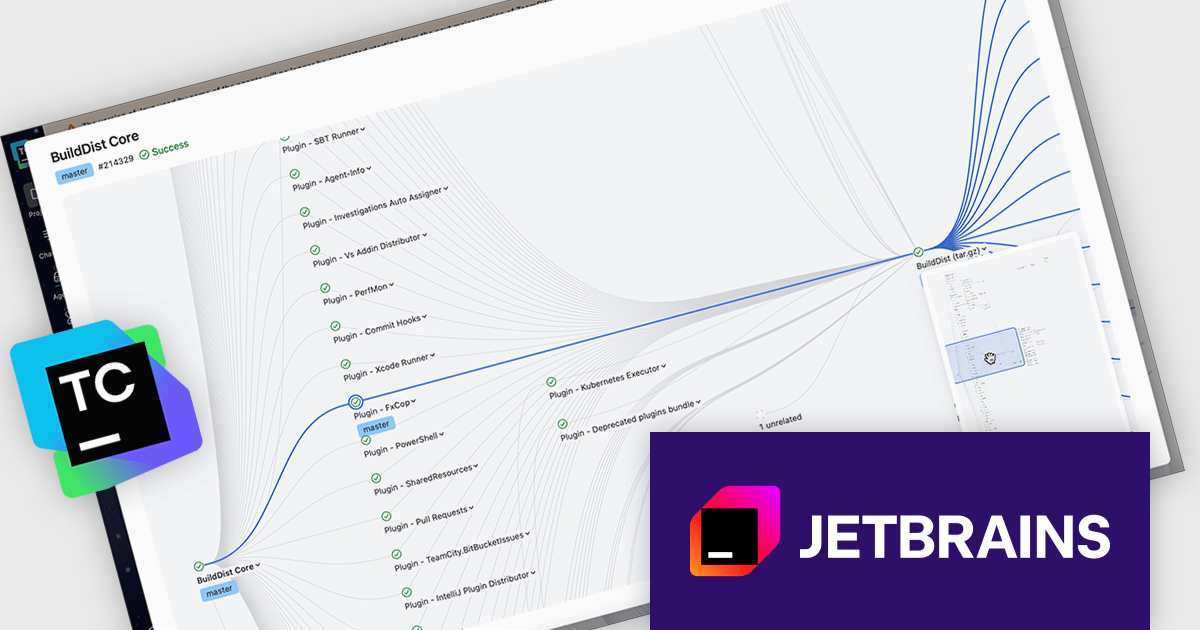
TeamCity by JetBrains is a robust continuous integration and deployment (CI/CD) server that simplifies building, testing, and deploying software. It supports diverse workflows with features like real-time build monitoring, customizable pipelines, and integrations with tools like Git and Mercurial. TeamCity’s intelligent build management, including parallel builds and automated testing, optimizes resources and accelerates delivery. With its user-friendly interface and extensive language and framework support, TeamCity is ideal for teams aiming to improve development and maintain high-quality code efficiently.
The TeamCity 2025.11 release offers an interactive viewer for pipelines and build chains, making it easier to navigate complex pipelines. This upgraded visual interface introduces zooming, drag-and-drop navigation, and a minimap to help teams work more effectively with large and layered CI/CD processes. Whether you’re troubleshooting a failed step or reviewing an entire build chain, the viewer provides a clearer and more interactive way to understand how your configurations connect and execute.
To see a full list of what's new in version 2025.11, see our release notes.
TeamCity On-Premises is licensed per server and per build agent, and is available as a commercial perpetual license. See our TeamCity On-Premises licensing page for full details.
For more information, visit our TeamCity On-Premises product page.





Tel: (888) 850 9911
Fax: +1 770 250 6199


