Click for more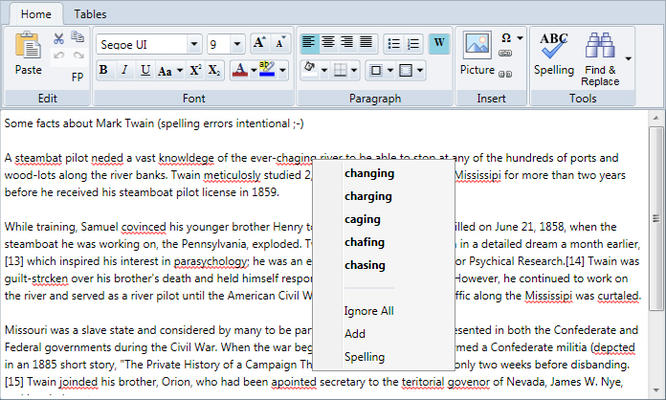
Spell-checking in RichTextBox
RichTextBox supports both types of spell-checking using the C1SpellChecker component.
Click for more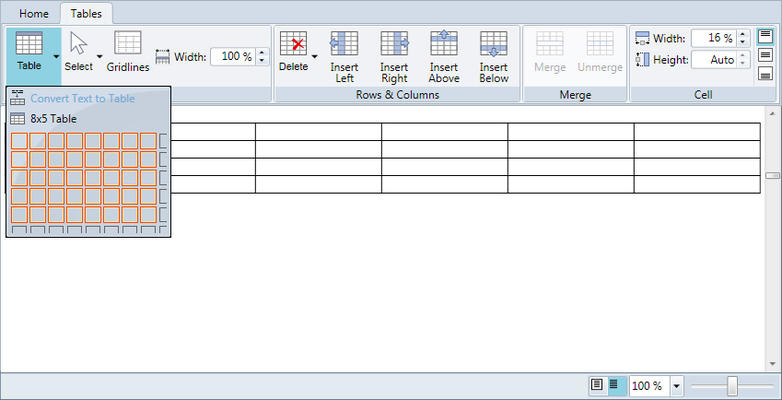
Insert and Edit Tables
Insert new tables, rows and columns with the click of a button. Specify individual cell borders, sizes and text alignments. You can even merge cells and convert plain text to tables just like in Microsoft Word.
Click for more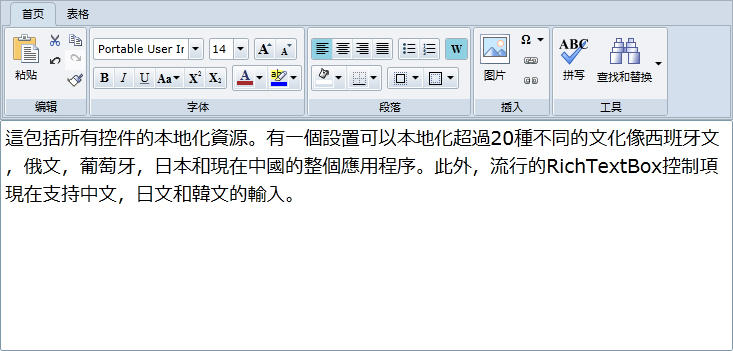
Localization
The C1RichTextBox toolbar ships localized in several languages, and new languages can be added by developers.
Click for more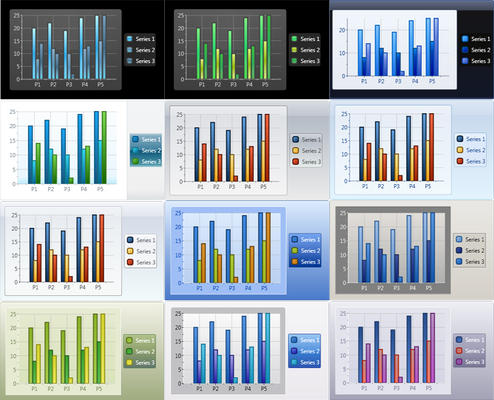
Built-in Themes and Color Palettes
C1Chart can be professionally designed with just two properties. It includes 12 built-in themes and 22 color palettes. Themes apply to the entire chart area while palettes apply to just the chart elements (bars, points, pie slices, etc). Combine themes with different palettes to make an endless combination of looks or customize them precisely in code and markup.
Click for more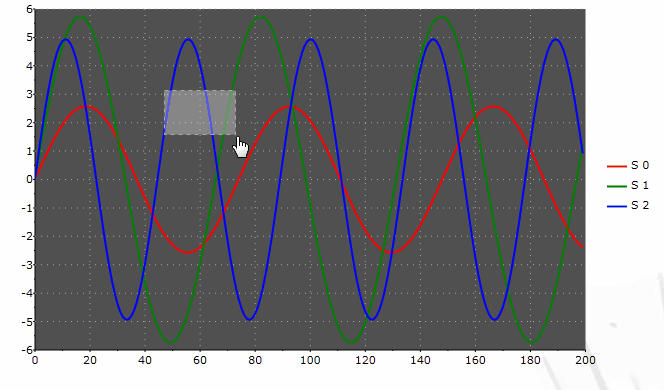
Interaction
Enhance the end-user experience by allowing users to zoom, scale, and scroll the chart. Customize the actions by specifying how the user should perform them, such as by mouse drag or key input.
Click for more
Multiple Plot Areas
Stack multiple plot areas horizontally and vertically. Just specify which data series belongs in which plot area to increase readability and analysis of multiple collections, while sharing common chart parts such as axes, legends and titles.
Click for more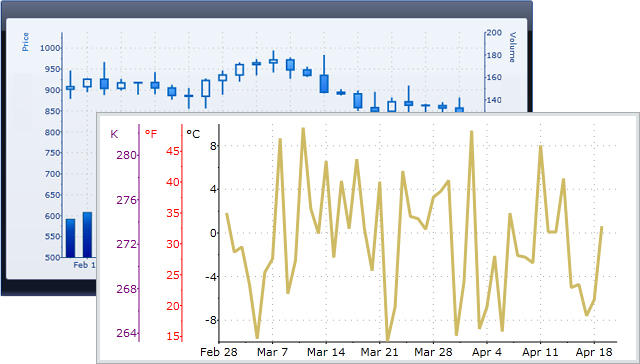
Customizable Axes
C1Chart gives you many axis options such as time display, logarithmic scales, axis scrolling, custom axis labels and support for multiple axes. Display multiple, dependent axes on the top, bottom, left, or right of the chart by simply adding to the chart's Axes collection.
Click for more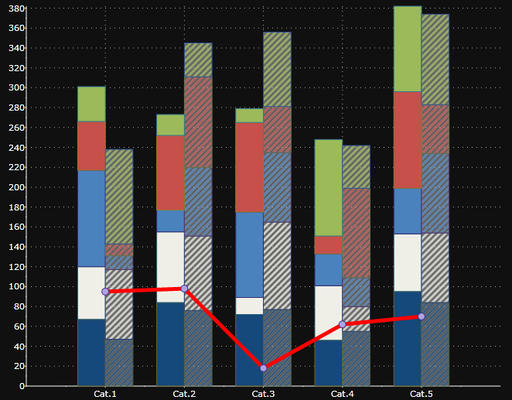
Multiple Chart Types
Combine multiple, different chart types into one chart. Just set the ChartType property on each data series to achieve your desired combination.