ComponentOne Studio Silverlight is no longer supported. Consider other platforms included in ComponentOne Studio Enterprise.
ComponentOne Studio Silverlight Screenshots
ComponentOne Studio Silverlight
Click for more
ComponentOne Studio Silverlight
Click for more
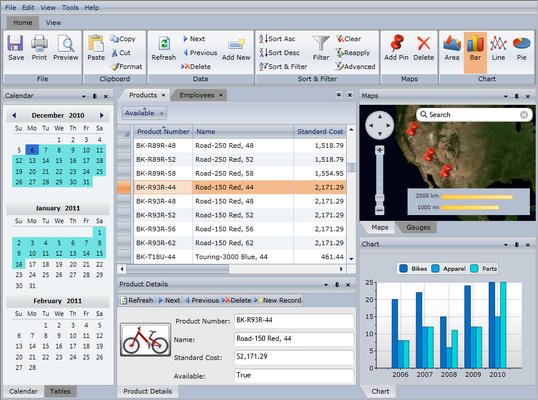
More features, functionality, and better performance.
ComponentOne Studio Silverlight
Click for more
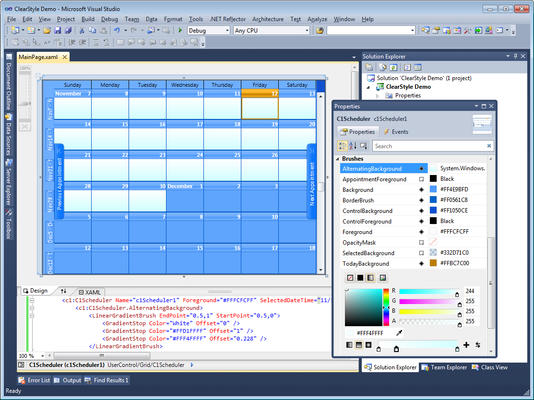
Change control colors without modifying control templates.
ComponentOne Studio Silverlight
Click for more
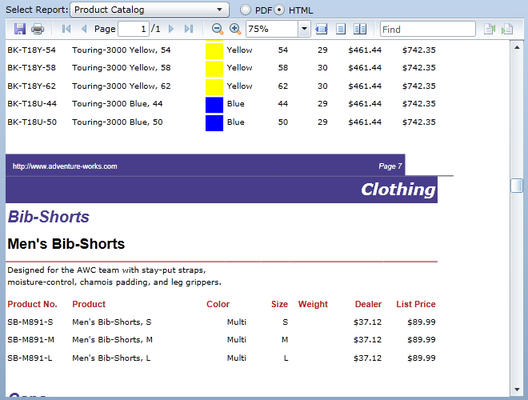
Add report viewing capabilities to your Silverlight apps.
ComponentOne Studio Silverlight
Click for more
Experience flexibility & speed with a small footprint.
ComponentOne Studio Silverlight
Click for more
Support for over 20 international languages.
ComponentOne Studio Silverlight
Click for more
ComponentOne Book for Silverlight
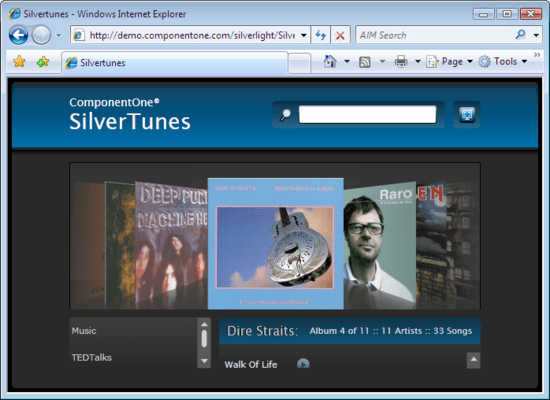
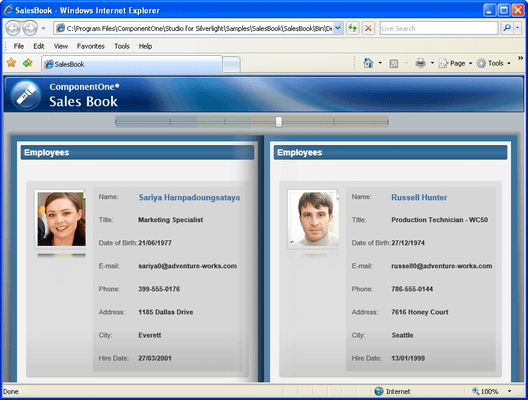
C1Book is an ItemsControl, so you can bind it to any data source. Each item in the data source can be a UIElement or a generic object that gets converted into a UIElement using templates. C1 Book for Silverlight enables you to customize the look and feel of the book pages; for example, show page folds and display inner and outer shadows.
ComponentOne Studio Silverlight
Click for more
ComponentOne DataGrid for Silverlight
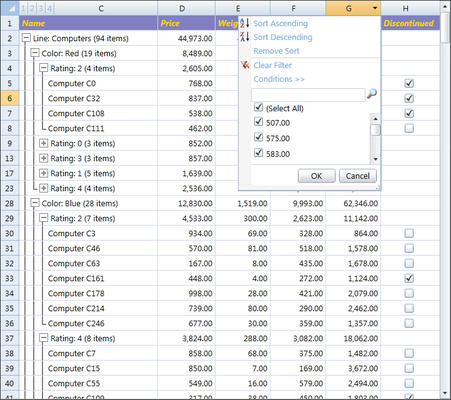
ComponentOne DataGrid for Silverlight includes several advanced features. C1 DataGrid for Silverlight automatically resizes the row and column to fit the contents. Implement custom end-user operations such as incremental search and record set filtering using the filter bar, a special data entry row below the column headers.
ComponentOne Studio Silverlight
Click for more
Promote Designer/Developer Collaboration
Built with XAML, ComponentOne Studio for Silverlight components promote collaboration in your team and fit seamlessly into your developer/designer workflow. Furthermore, you can take XAML from Silverlight and use it in your WPF application.
ComponentOne Studio Silverlight
Click for more
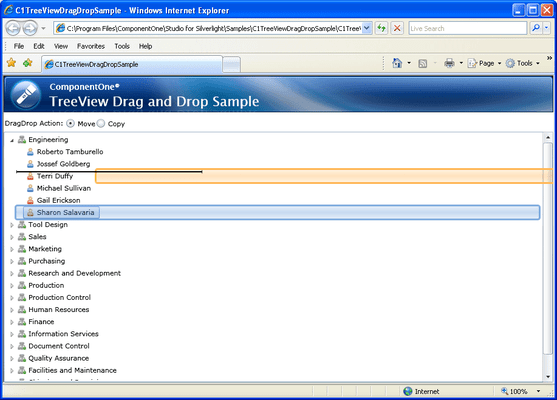
Custom Drag Sourcing and Drop Targeting in Silverlight
ComponentOne Drag Drop Manager for Silverlight has an extensive set of methods and events that allow you to control the entire drag-and-drop process. Drag Drop Manager for Silverlight provides helper methods that simplify the process of adding drag-and-drop functionality to your applications. Just register some elements as drag sources and some as drop targets, and then handle the DragDrop event to move or copy the elements to their new location.