Click for more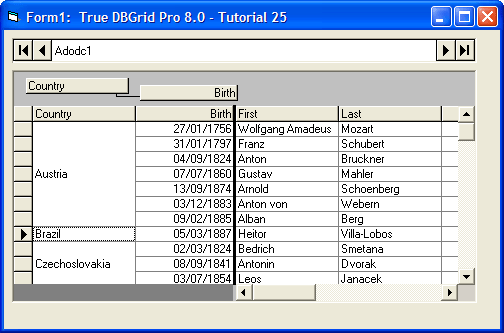
Click for more
Define Unbound Columns in a Bound Grid
Use the UnboundColumnFetch event to display two fields (FirstName and LastName) together in one column and use a SQL statement to create a join between two tables in a database.
Click for more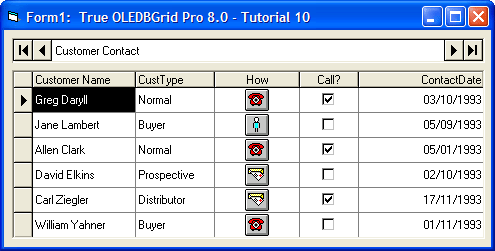
In-Cell Bitmaps
Enhance the User Interface with In-Cell Bitmaps. Use the ValueItems collection to display bitmaps and check boxes in a cellwithout writing a single line of code.
Click for more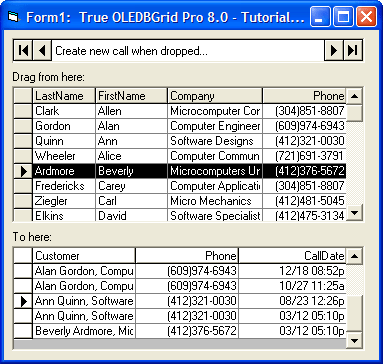
Drag-and-Drop
Implement Drag-and-Drop in True DBGrid. Use the drag-and-drop features of True DBGrid to drag data from one grid and drop it into another.
Click for more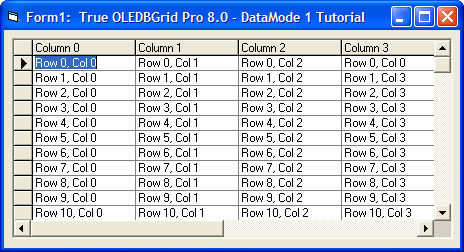
Array Data
Display Array Data in a variety of Modes including Unbound Mode, Unbound Extended Mode, Unbound Application Mode and Unbound Storage Mode.
Click for more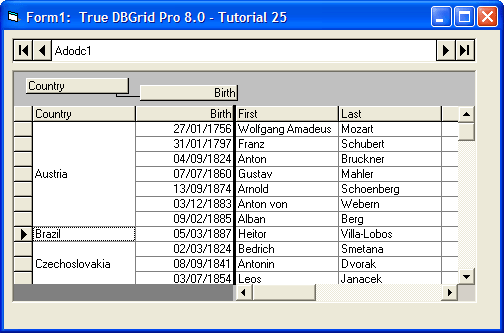
Outlook-Style Grouping
When DataView is set to 2 - Group, and AllowColMove is set to True, the grid will support the ability to group columns into the grouping area. This action can be performed by users at run time and runtime with code.
Click for more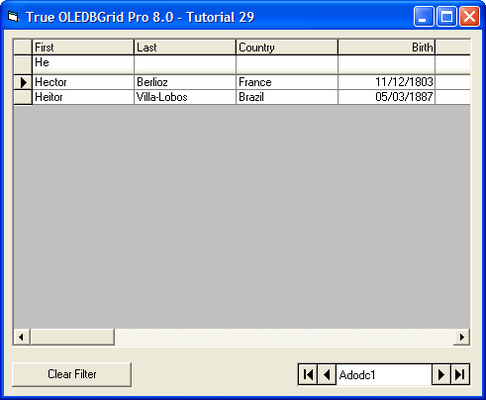
Filter Bar
Utilize the FilterBar property in True DBGrid. Using the Filter Bar feature of True DBGrid, you can narrow the number of items in a given table by filtering the underlying recordset.
Click for more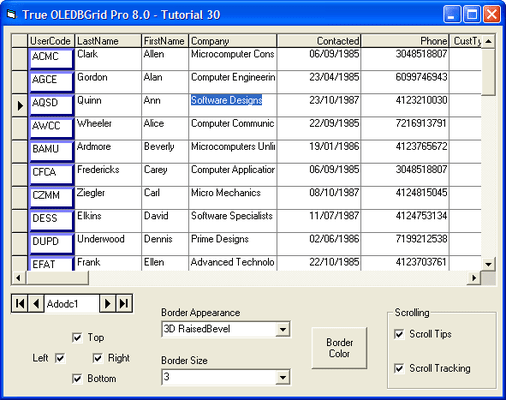
Cell Bordering and Scroll Tips/Tracking
Utilize the Cell Border, Scroll Tips and Scroll Tracking features in True DBGrid. The Cell Border feature allows you to manipulate border options at runtime, while the Scroll Tips and Scroll Tracking features allow you to track the location of your scroll bar and give the user an informational pop-up as the scroll bar moves.




 (5)
(5)