Click for more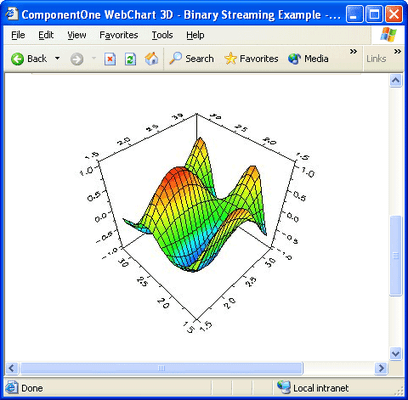
Click for more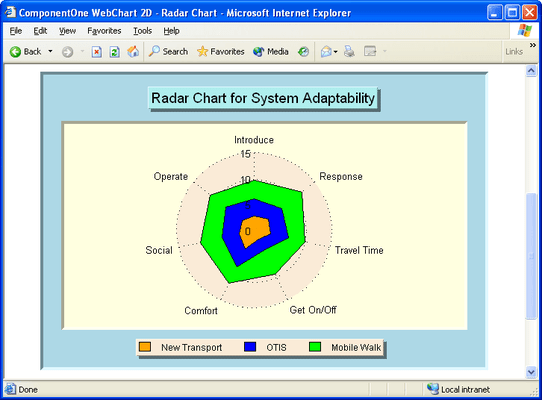
Simple 2D Charts
Create a Radar Chart amongst others. Rank based upon different criteria. Select/deselect the "Filled" and "Stacked" check boxes to change the appearance of the displayed data.
Click for more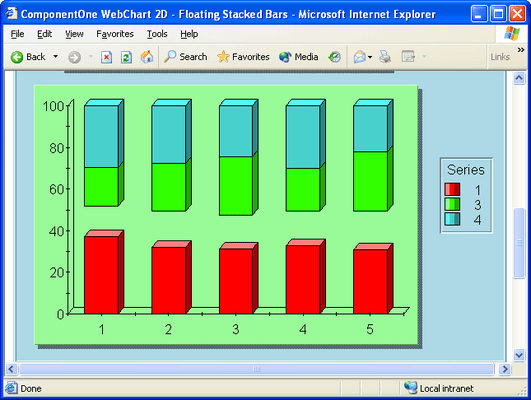
Shoe/Hide/Exclude
Show/Hide/Exclude list boxes and check boxes.
Click for more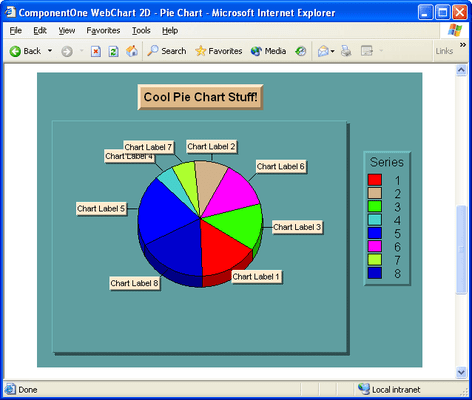
Pie Charts
Use the Pie Sorting Methods list box to change how the pie slices are sorted, Use the Chart Labels check box to control the display of ChartLabels on the chart, Use the Threshold controls to specify how to create the "other" slice, and the other slice threshold value. Use the Starting Angle value to specify the angle at which the first slice for the first series is drawn. Use the Pie Slice Offset Values to offset a slice.
Click for more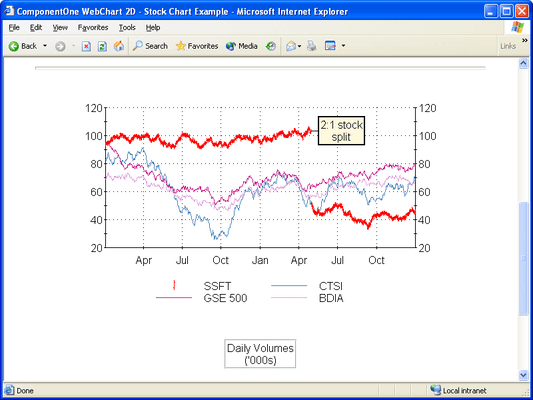
Stock Charts
Create stock charts for your web applications.
Click for more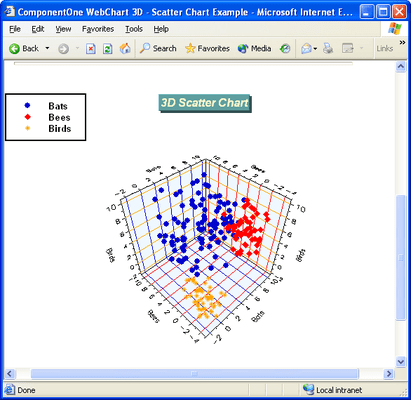
3D Charts
Ccreate and customize a 3D scatter chart amongst others
Click for more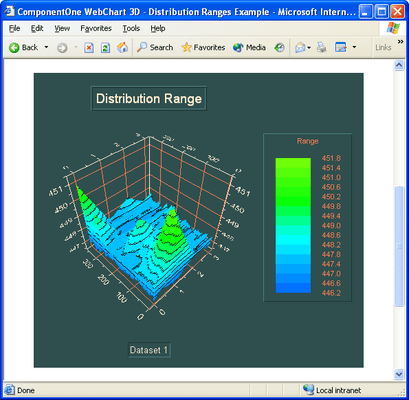
3D Design Time
Using the 3D Design-Time Control to set the DistributionRange property to control the number of levels in the legend, to use the LabelFilter property of the Legend object to show a specific number of levels and to show the legend as either Stepped or Continuous.
Click for more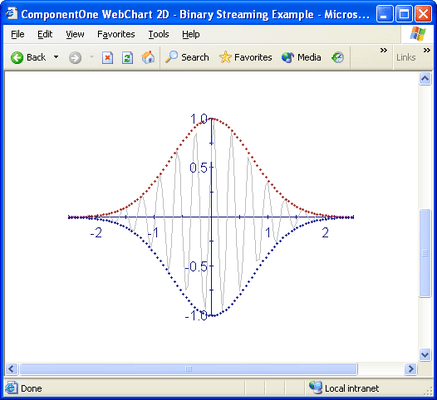
2D Binary
Perform 2D Binary Streaming.
Click for more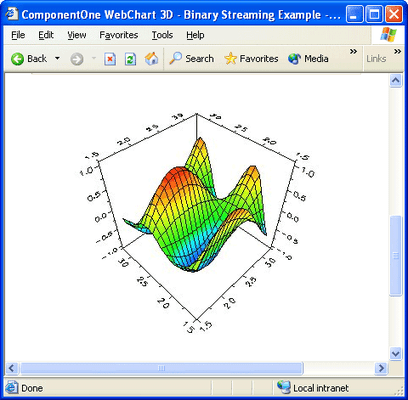
3D Binary
Perform 3D Binary Streaming.




