
Continua CI
Automated build and continuous integration server that centralizes build projects.
Published by VSoft Technologies
Distributed by ComponentSource since 2007
Prices from: $ 195.02 Version: v1.9.2.x NEW Updated: Jun 26, 2026
Automated build and continuous integration server that centralizes build projects.
Published by VSoft Technologies
Distributed by ComponentSource since 2007
Prices from: $ 195.02 Version: v1.9.2.x NEW Updated: Jun 26, 2026
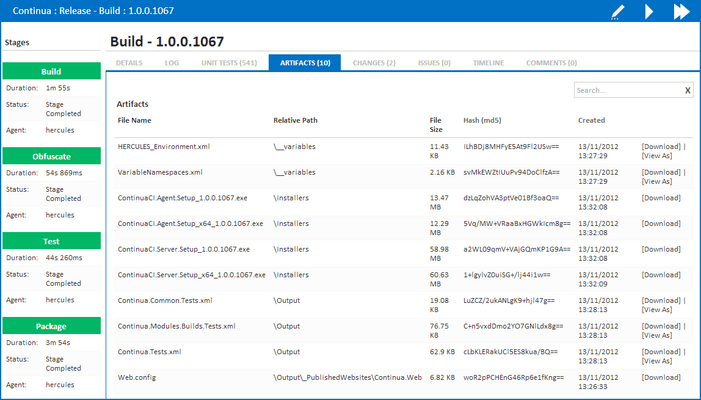

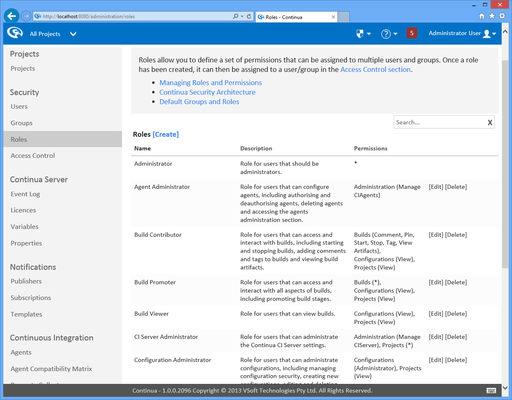
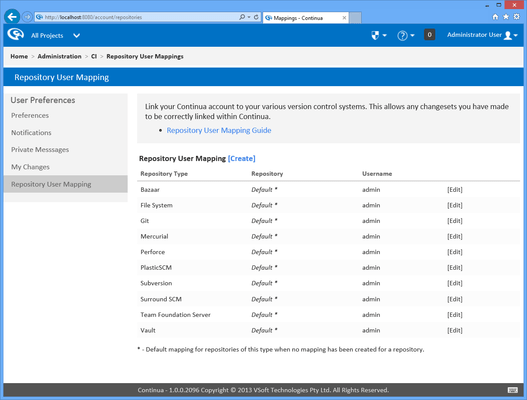
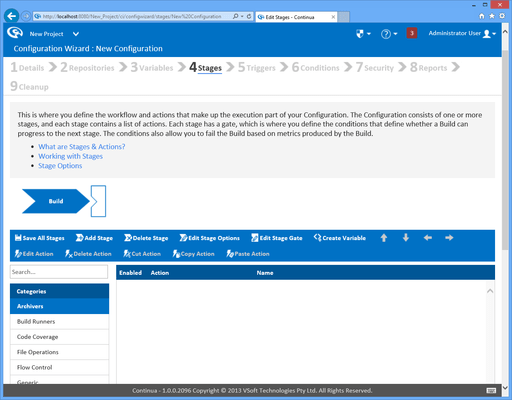
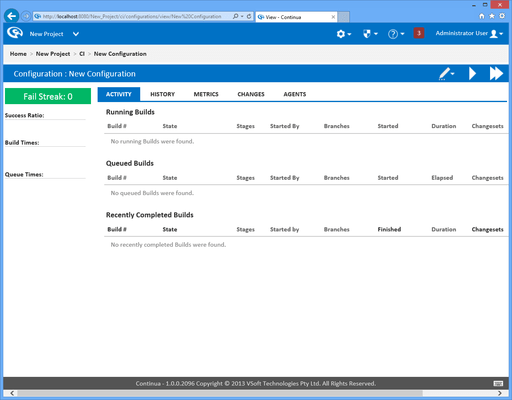
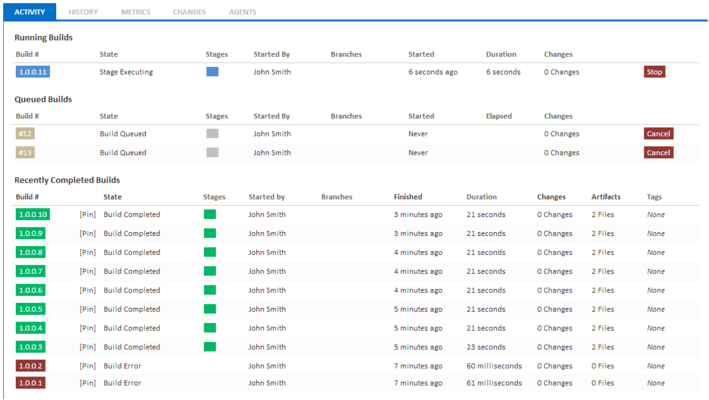
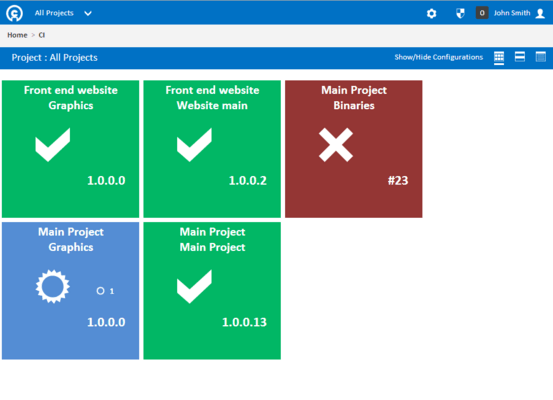
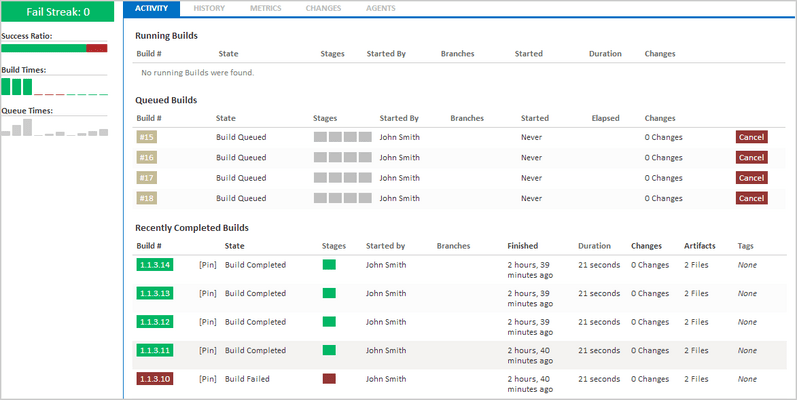
Users can be configured within seconds to access Continua CI without the need for messy client installs.
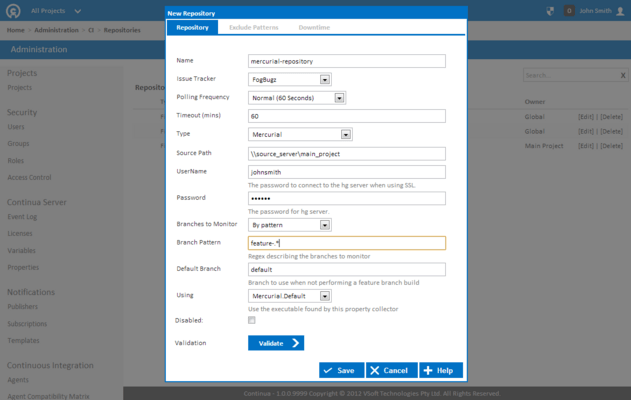
Continua CI adapts with your environment and you set the frequency that it monitors for new check-ins/commits. Build your projects the way you want by controlling which files trigger a build. With Continua CI you can specify files that will be ignored when triggering a build. Define your exclude file pattern and build your projects the way you want.
Tel: (888) 850 9911
Fax: +1 770 250 6199


