
ComponentOne True DBGrid for WinForms
Completely manage the database interface.
Published by MESCIUS (formerly GrapeCity)
Distributed by ComponentSource since 1996
Completely manage the database interface.
Published by MESCIUS (formerly GrapeCity)
Distributed by ComponentSource since 1996
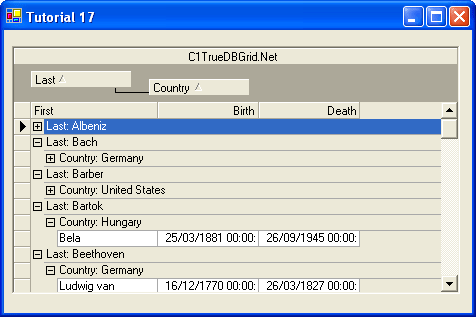
ComponentOne True DBGrid for WinForms is no longer available individually. It can be bought as part of ComponentOne Studio Enterprise and ComponentOne Studio for WinForms. Existing customers can renew ComponentOne Studio for WinForms or upgrade to ComponentOne Studio Enterprise.

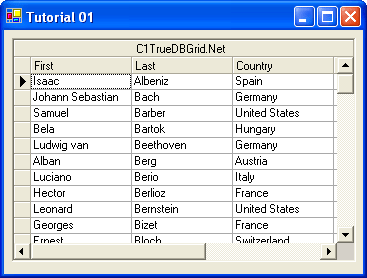
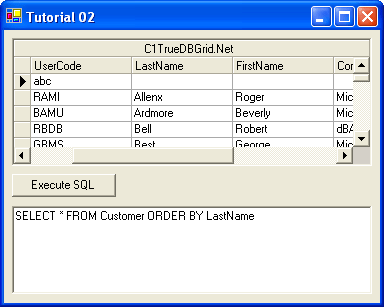
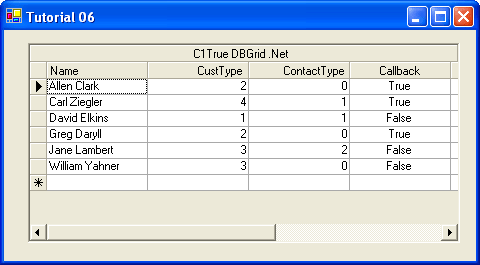
Tel: (888) 850 9911
Fax: +1 770 250 6199


 (2)
(2)